PinNote - Sticky Screenshots
Screenshot it, pin it to your desktop.
- macOS
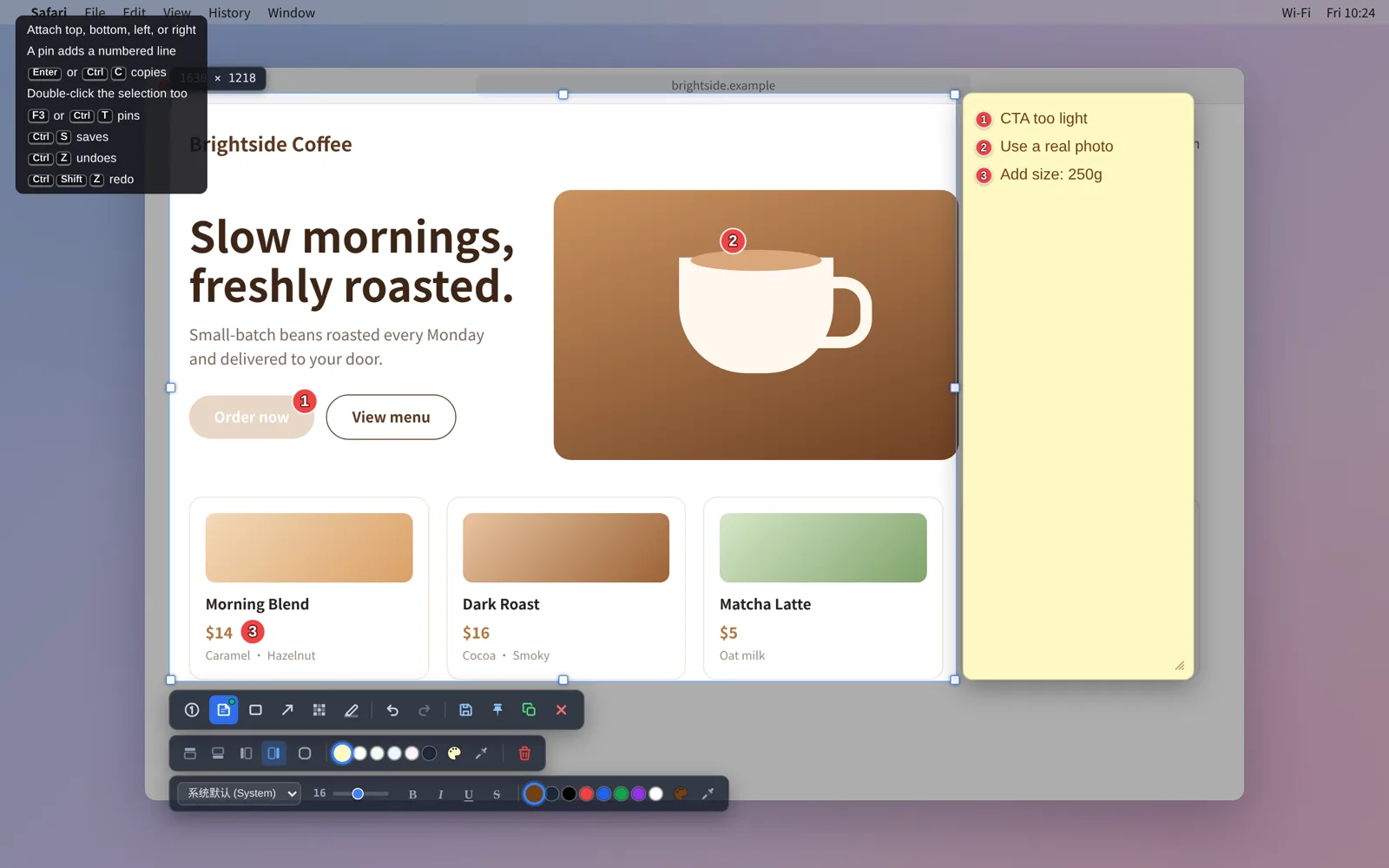
Grab the part of the screen you need, mark what matters, add a few notes, and pin it on top of everything so you can glance at it while you work. When you don't need it, push it to the edge of the screen; hover over it to bring it back, and edit it whenever you like.
Screenshots
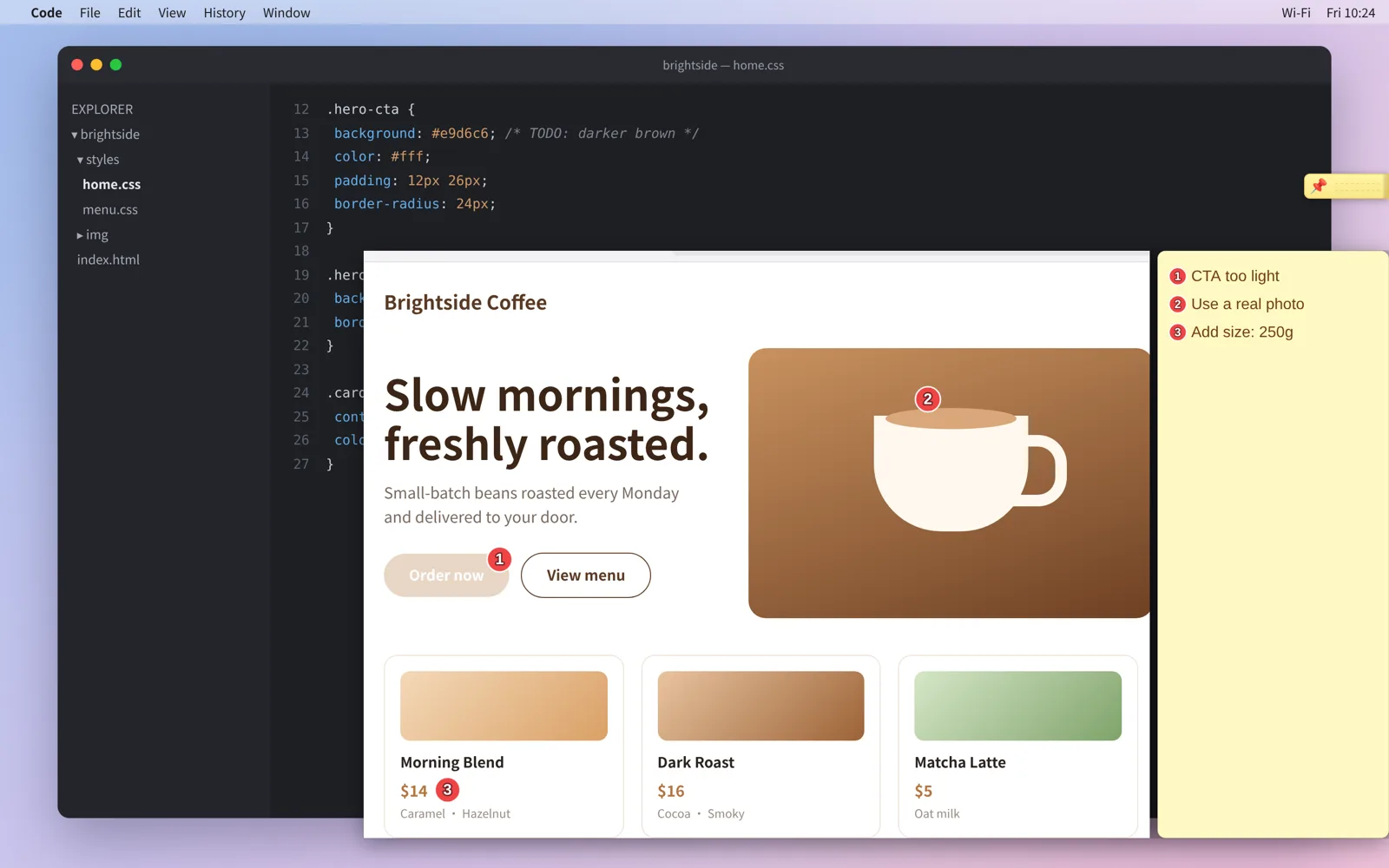
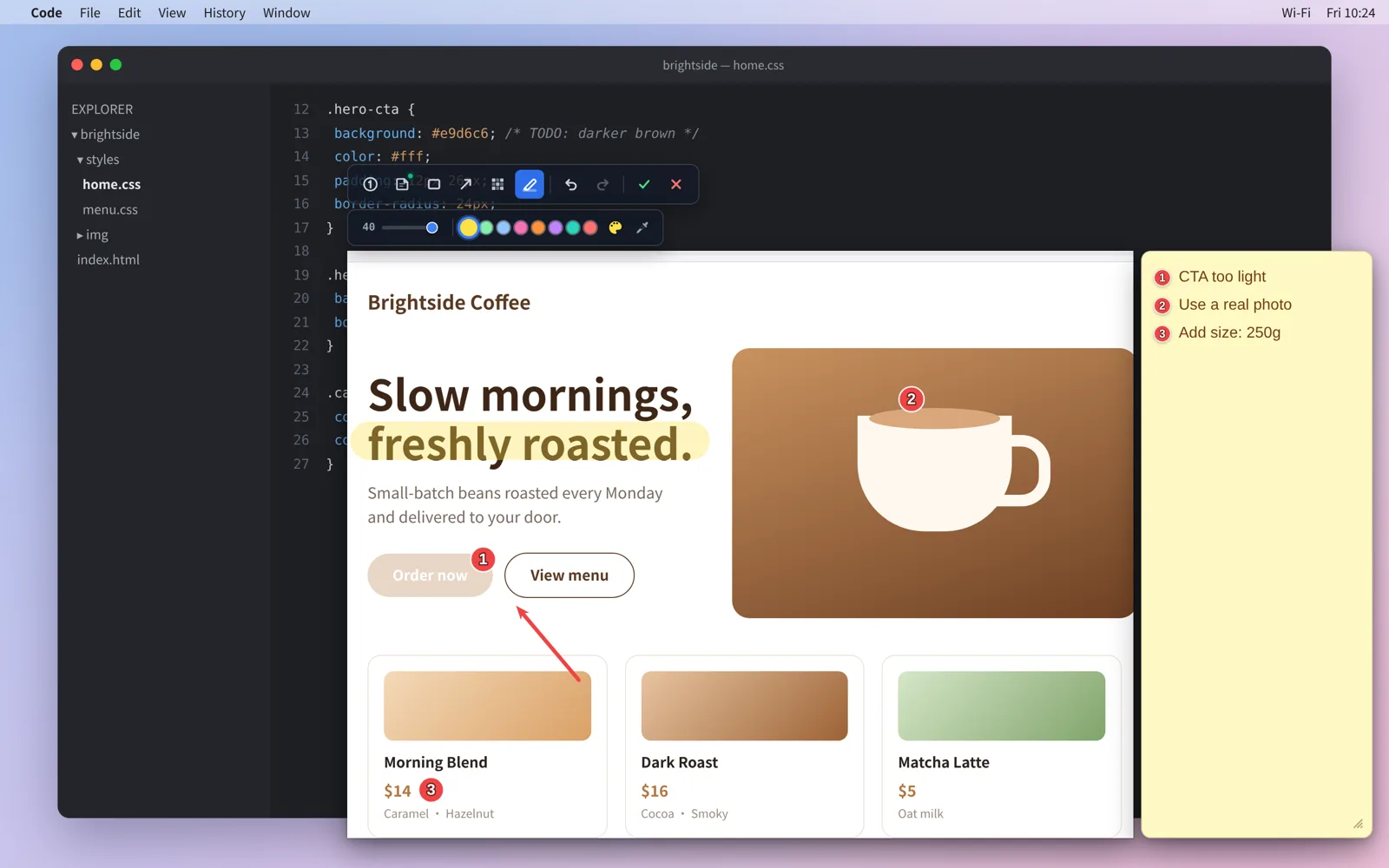
Numbered pins & notes
Features
- 01
Quick Capture
Press F1 to take a screenshot. Select any area, or pick an app window directly.
- 02
Annotate
Mark key spots with numbered pins and write a note next to each one, plus the usual tools: arrows, boxes, mosaic and highlighter.
- 03
Pin on Top
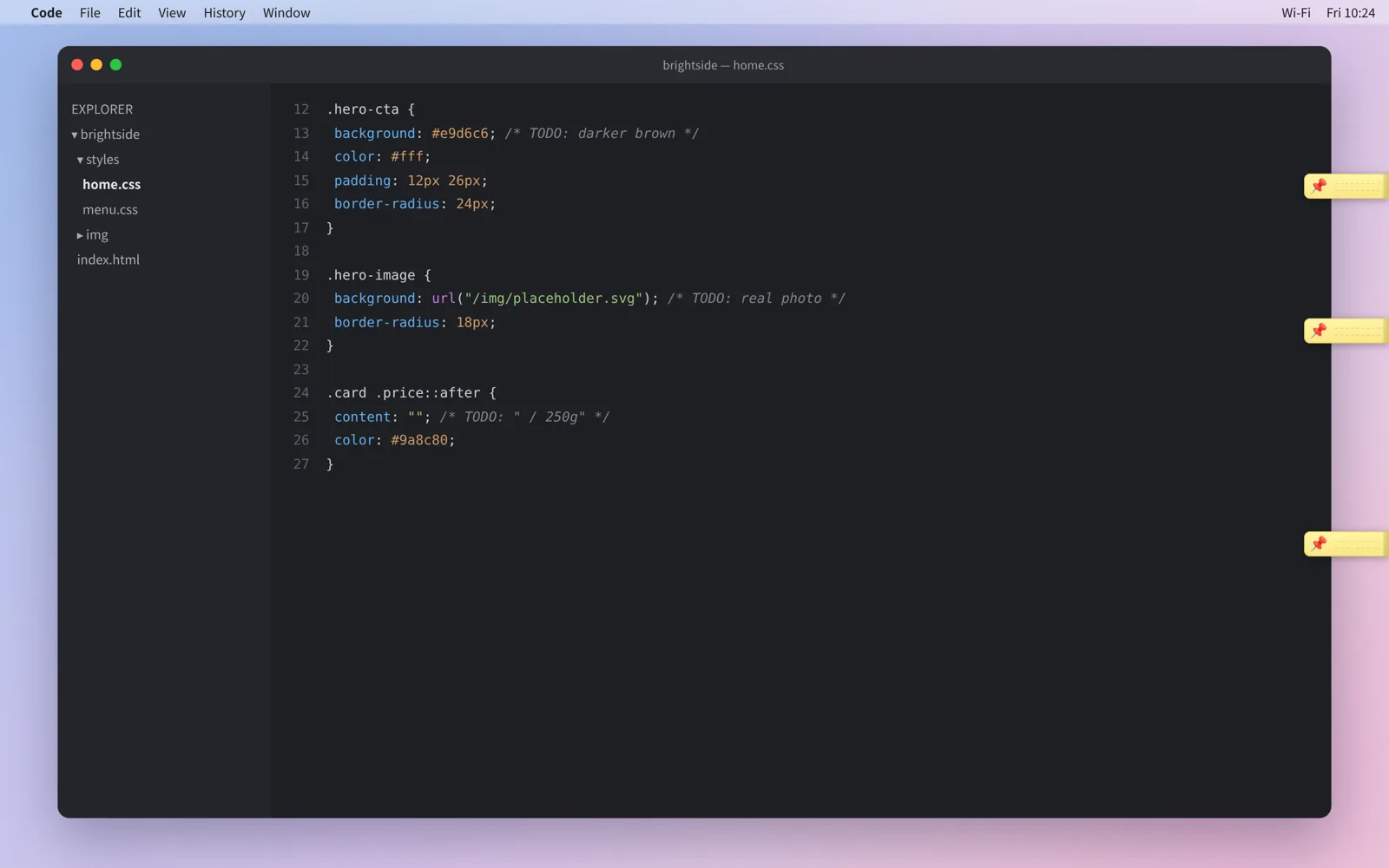
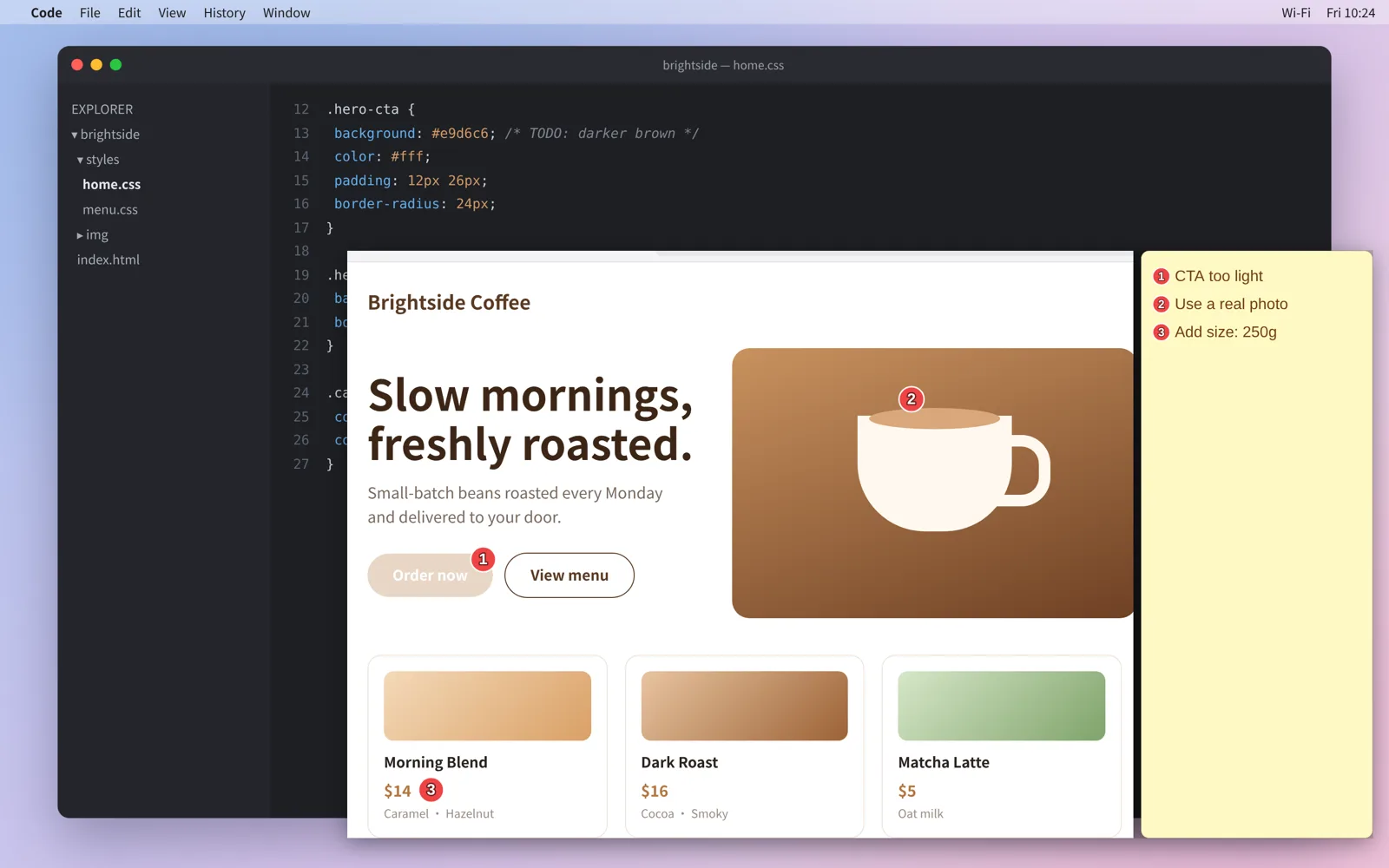
Screenshots stay above all your windows. Push them to the screen edge when you don't need them, and hover to bring them back.
- 04
Edit Anytime
Double-click a pinned screenshot to keep editing its annotations and notes.
Download PinNote - Sticky Screenshots
Coming soon
macOS
💡Notice: PinNote - Sticky Screenshots is coming soon. Downloads will open at launch.
Release Notes & ChangeLog
No releases yet
Comments
Questions, feedback, or thoughts are welcome here.
Set Public Nickname
Your nickname will be displayed across comments. If not set, your masked email will be shown.